 USA
USA Mexico
 Canada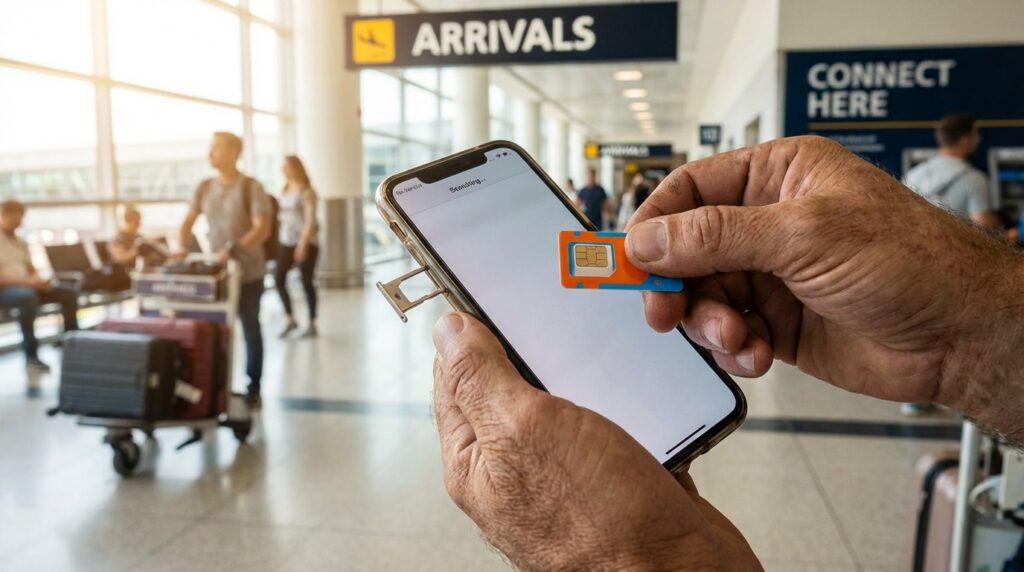
Have you ever stepped off a grueling international flight, grabbed your luggage from the carousel, and then realized your phone is basically a useless brick? We have all experienced that sudden spike of travel anxiety. You are standing in a massive, unfamiliar airport. You need to call an Uber, check into your Airbnb, and tell your family you landed safely. But without an internet connection, you are completely cut off from the digital world.
As hundreds of thousands of international fans prepare to cross borders for the colossal 2026 global football tournament, solving this connectivity puzzle is priority number one. You need data the absolute second your plane touches down. Buying a local prepaid SIM card right at the airport is the fastest way to get your digital life running without falling into the expensive trap of international roaming. Let us explore exactly how to navigate American airports, find the best data deals, and get your phone connected before you even step outside into the city.
Why You Need Instant Data Upon Landing
Think of your smartphone as your ultimate travel command center. It holds your tickets, your maps, your accommodation details, and your translation apps. Without data, that command center goes completely dark.
Escaping the International Roaming Trap
You might be thinking you can use your home carrier and pay the daily international roaming fees. That is a massive mistake. Using your home network abroad is like trying to fill a swimming pool with a leaky bucket. It drains your bank account incredibly fast. A local US SIM card bypasses that entire system, giving you fast, reliable, and affordable internet directly from local cell towers.
Navigating to Your Accommodation
The moment you land, the clock starts ticking. You are exhausted, jet-lagged, and hauling heavy luggage. You need to pull up rideshare apps to compare prices, or you need to check the local train schedules. Imagine landing at JFK and needing to navigate the subway system all the way to one of those transit-friendly hotels in New Jersey for the big MetLife matches. You cannot do that efficiently on blind faith. You need live maps and real-time transit updates instantly. A local SIM card hands you the keys to the city the moment you clear customs.
Finding SIM Cards Inside Major US Hubs
American airports are massive, sprawling complexes. Finding a tiny piece of plastic inside them can feel like searching for a needle in a haystack if you do not know where to look.
Where to Look in the Arrivals Hall
Availability varies heavily depending on which city you fly into, but the general rule remains the same. You need to target the arrivals hall. After you pass through passport control and collect your bags, you will walk through a final set of doors into the public greeting area. This is your hunting ground. In major international hubs like LAX in Los Angeles, JFK in New York, MIA in Miami, ORD in Chicago, and SFO in San Francisco, telecommunications options are heavily concentrated in this specific zone. Look around the currency exchange booths, the tourist information desks, and the exit doors.
Spotting Kiosks, Vending Machines and Retailers
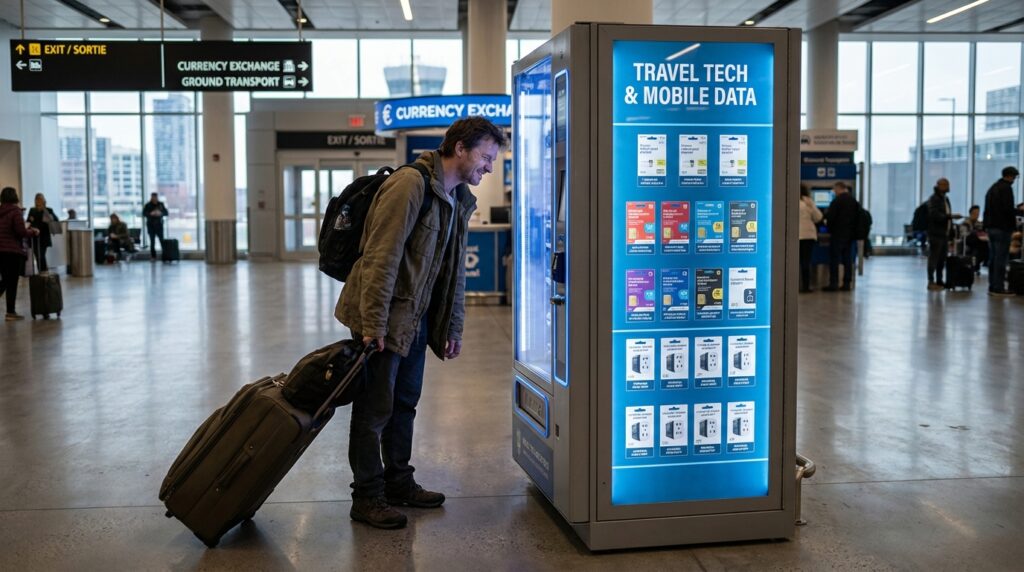
You are looking for three specific things. First, keep an eye out for dedicated telecom kiosks. These are usually small stands brightly branded with carrier logos. Second, look for electronics retailers. Stores like InMotion are incredibly common in American airports and almost always stock prepaid starter kits. Finally, many modern airports now feature automated SIM card vending machines. These are brilliant because they never close, offering a self-service way to buy a tourist SIM card even if your flight lands at three in the morning.
Choosing the Right Network for Tournament Travel
Not all cell phone networks are created equal. The United States is a massive country, and coverage can vary wildly from state to state. When you are hopping between host cities, you need a carrier that provides a robust, nationwide blanket of coverage.
Why T-Mobile Often Wins the Tourist Vote
If you want the most seamless experience as a visiting fan, T-Mobile is frequently the most tourist-friendly choice on the market. They have invested heavily in building out an incredibly strong 5G network inside major cities where the stadiums are located. But here is the real secret weapon for 2026. Because this massive tournament spans across borders, many standard T-Mobile prepaid plans actually include free data roaming in both Mexico and Canada. If your travel itinerary takes you from Los Angeles down to Guadalajara or up to Vancouver, a T-Mobile SIM card might keep you connected across all three countries without needing to buy a second plan.
AT and T and Third Party Options
AT&T is the other major heavyweight in the US market, offering fantastic, reliable coverage almost everywhere. You will often find their starter kits in airport convenience stores. Additionally, you will frequently see third-party providers like Lycamobile or Mint Mobile. These companies rent space on the big networks (like T-Mobile) and often sell physical SIM cards specifically tailored for international tourists, complete with cheap international calling back to your home country.
The Airport Premium and What It Costs
We have to talk about the financial reality of buying things at an airport. You are paying a premium for ultimate convenience. Airport retailers know you are desperate for an internet connection, and they price their products accordingly.
Understanding the Convenience Tax
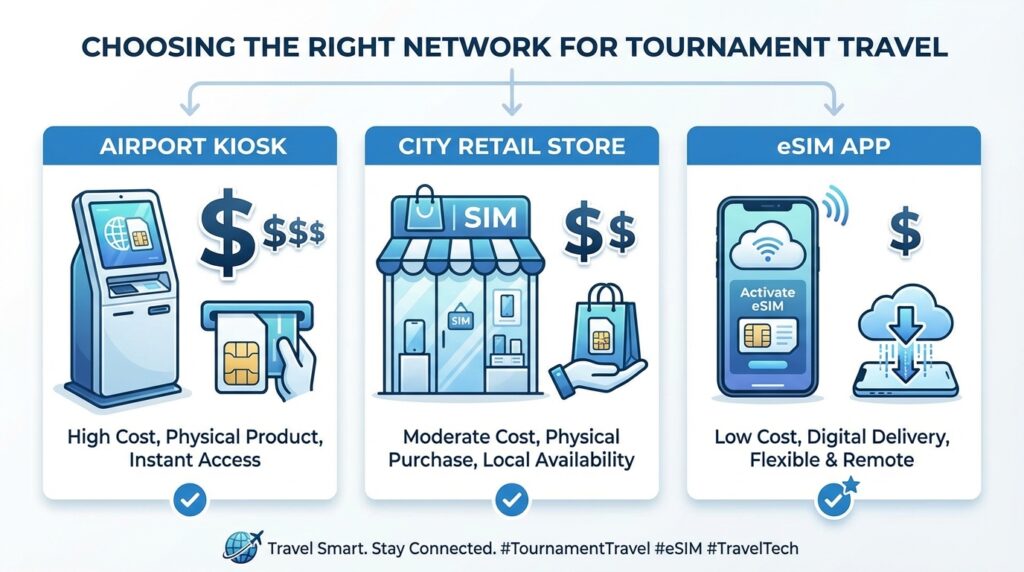
Let us be completely transparent about the costs. A standard prepaid plan that might cost you $30 or $40 if you bought it at a store in the middle of the city can easily run you $50, $70, or even more at an airport kiosk. You are essentially paying a “convenience tax” to have that internet connection the moment you step off the plane. For many travelers navigating the chaos of a global sporting event, that extra $20 is completely worth the peace of mind. But if you are on a strict budget, it is a bitter pill to swallow.
Data Limits and What You Actually Get
When you buy an airport SIM card, you are usually purchasing a pre-packaged tourist bundle. You generally have a limited selection to choose from. Typically, these plans offer anywhere from 5 GB to 15 GB of high-speed data, valid for a set window of 7 to 30 days. Read the packaging very carefully before you hand over your credit card.
What You Need to Buy Your SIM Card
You cannot just grab a SIM card off the shelf and walk away. There is a small administrative process you need to complete, and you must have the right tools ready to go.
The Unlocked Phone Requirement
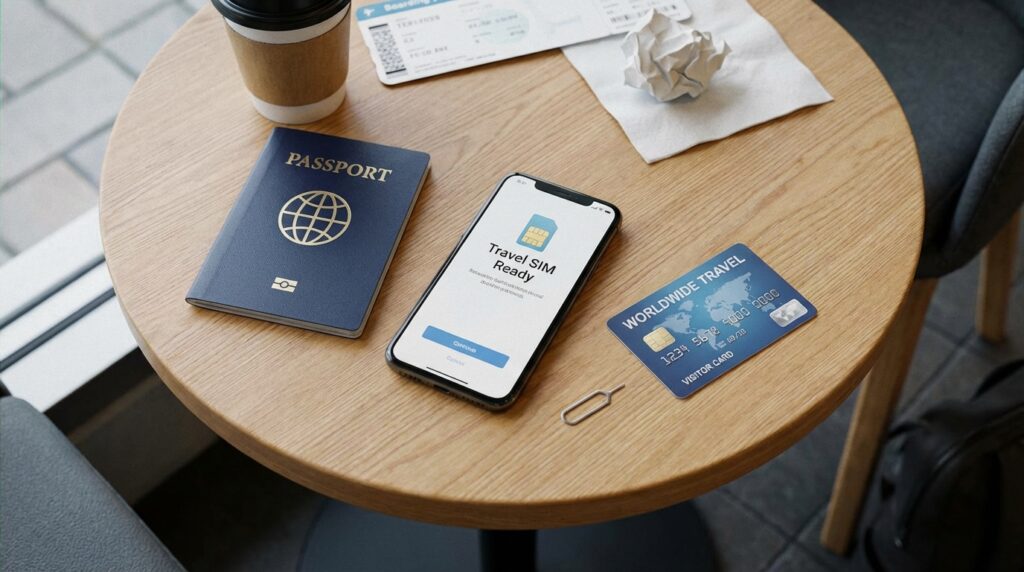
This is the most critical hurdle. Your phone absolutely must be unlocked by your home carrier. If you bought your phone on a strict payment plan from a provider in Europe or South America, it might be software-locked to their network. If you put a US SIM card into a locked phone, it simply will not work. Always call your home provider a week before you fly and demand they unlock your device for international travel. Most modern phones are unlocked by default, but you must confirm this beforehand.
Have Your Passport and Payment Ready
When you step up to the kiosk or the electronics store counter, be prepared. You will need your physical passport. Many telecom regulations require the retailer to verify your identity and register the SIM card to a real person. You will also need a widely accepted credit or debit card, as cash is becoming increasingly rare for these types of automated or kiosk-based transactions.
The Instant Activation Process
The beauty of these modern tourist starter kits is that the telecom companies have made the activation process incredibly simple. They know you are tired and want to get to your hotel.
Inserting and Connecting in Minutes
Usually, the starter kit comes with a tiny metal pin. You use this to pop open the SIM tray on the side of your phone, swap out your home SIM card (put it somewhere incredibly safe), and insert the new American chip. Once you turn your phone back on, you typically follow a few quick on-screen text prompts or dial a specific shortcode provided in the packaging. Within three to five minutes, your phone will ping, the 5G logo will appear at the top of your screen, and you will be officially online.
The Digital Alternative of Travel eSIMs
If the idea of hunting for a physical plastic card in a crowded airport sounds exhausting, technology has finally provided a brilliant alternative. Welcome to the era of the eSIM.
Pre-Purchasing with Airalo and Holafly
If you have a relatively new smartphone manufactured in the last three years, it likely contains a digital, programmable SIM card built right into the motherboard. You can download an app like Airalo, Holafly, or the Visible Travel Pass while you are sitting on your couch at home. You purchase a data plan, download a digital profile, and turn it off. The magic happens when your plane lands. You toggle the eSIM on in your settings, and by the time you are taxiing to the gate, your phone is already connected to the local US network. It bypasses the airport kiosks entirely, offering better value and zero physical swapping.
City Alternatives for Budget-Focused Fans
What if you refuse to pay that $70 airport premium? If you can survive the initial journey from the airport to your accommodation using free Wi-Fi or offline maps, you can save a significant amount of money.
Shopping at Walmart, Target or Best Buy
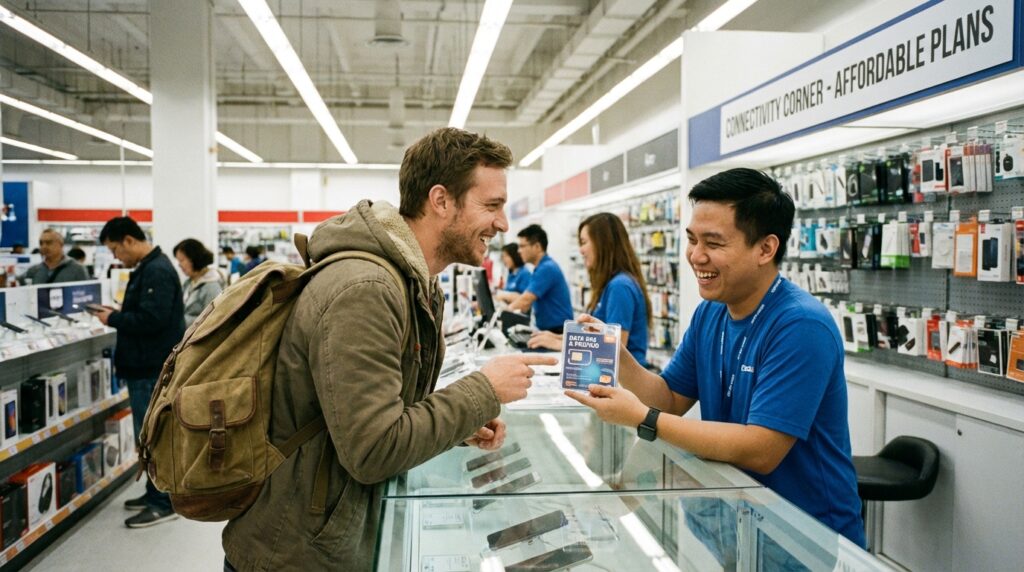
Once you are settled in the host city, head to a massive American retail chain. Stores like Walmart, Target, and Best Buy have dedicated electronics departments with massive walls of prepaid SIM cards from every carrier imaginable. You can browse the full range of options, skip the tourist markups, and activate a massive, unlimited data plan for a fraction of the airport price. You can also walk into any official, standalone AT&T or T-Mobile brick-and-mortar store in the city center and have a representative set up an entire monthly plan tailored exactly to your needs.
Why You Still Need Offline Backup
We have spent this entire article talking about how to get a blazing-fast internet connection. But here is the brutal reality of attending a 2026 stadium event. Your brand-new, expensive 5G connection is going to fail you when you need it most.
Related Post: The Best Translation Apps to Download Before Visiting Monterrey and Guadalajara
Surviving Stadium Network Collapses
When 80,000 screaming football fans pack into a single stadium, and all try to upload videos, send texts, and order rideshares at the same moment, the local cell towers completely collapse under the digital weight. It does not matter if you have the most expensive T-Mobile plan in the world; you will have zero bars of usable service. You will be digitally stranded in a sea of people.
Downloading the Stadium Route App
This is why securing your data plan is only step one. Step two is preparing for when that data vanishes. Before you travel, you must pre-download the offline Stadium Route app. This platform is custom-built to be your digital safety net during massive tournament chaos.
Because Stadium Route operates entirely offline, it lives directly on your phone’s hard drive. When the networks crash and everyone else is panicking because Google Maps will not load, you can smoothly open Stadium Route. You will have instant access to detailed stadium wayfinding, clearly marked offline maps showing your pre-planned escape routes, and directions to nearby transit hubs. It bridges the terrifying gap between the chaotic stadium gates and the safe zones where your new US SIM card will finally reconnect to the network.