 USA
USA Mexico
 Canada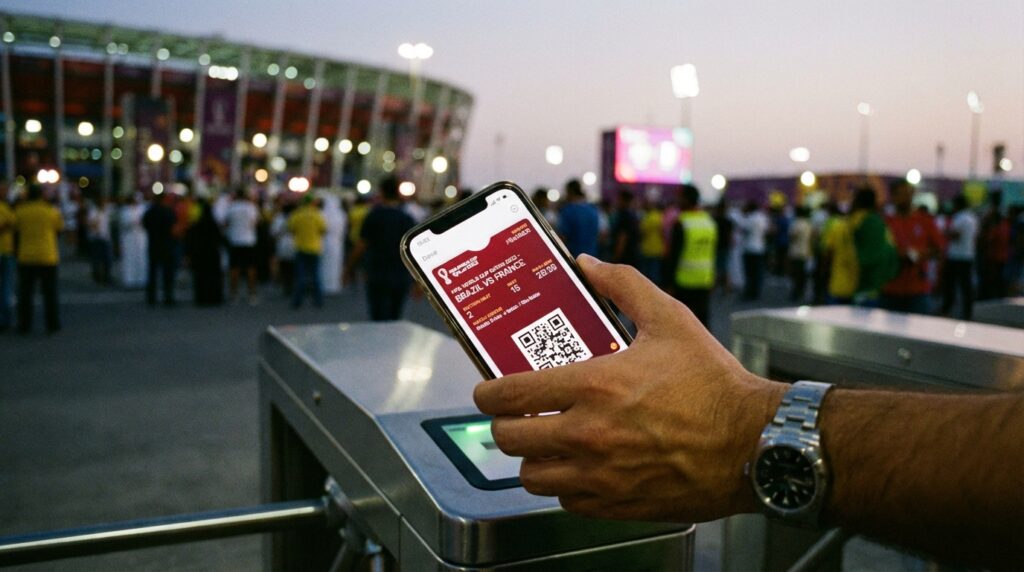
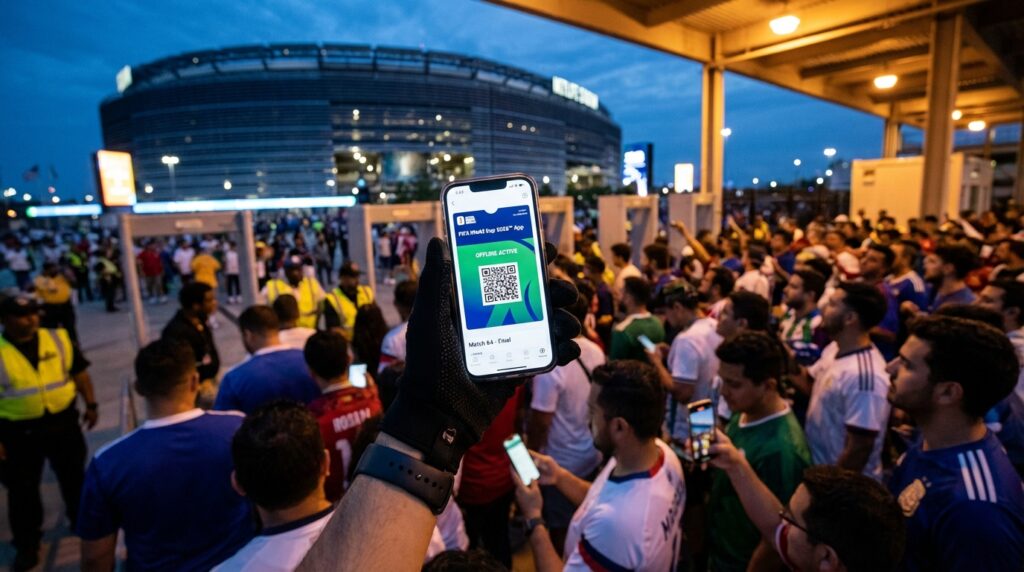
Have you ever stood outside a colossal sports arena, surrounded by a sea of chanting fans, only to feel a sudden wave of sheer terror wash over you? You reach into your pocket, pull out your smartphone to load your digital ticket, and absolutely nothing happens. The loading wheel just spins relentlessly on your screen. Your cellular signal has completely flatlined. As the massive crowd pushes forward toward the security gates, you realize you are totally disconnected from the internet.
When you travel to monumental venues like MetLife in New Jersey, the futuristic SoFi in Los Angeles, the towering NRG in Houston, or the vibrant Hard Rock in Miami for the 2026 FIFA World Cup, this terrifying scenario is not just a possibility. It is an absolute certainty. When tens of thousands of highly energized football fans gather in one concentrated area, local cell towers violently buckle under the immense data pressure. Setting up Apple Wallet or Google Wallet for offline stadium entry is the single smartest move any fan can make before arriving at the venue. Let us dive deep into exactly how you can shield your travel investment and guarantee a flawless, stress-free walk through the turnstiles without relying on a single drop of internet service.
The Reality of the Modern Mobile Ticket
We have officially stepped into a completely new era of live sports entertainment. If you are holding onto the nostalgic dream of framing a shiny paper ticket after the match, you need to adjust your expectations immediately. The 2026 FIFA World Cup operates as a strictly mobile-only digital ecosystem.
All official tournament tickets are delivered exclusively inside the official FIFA World Cup 2026 App. Depending on the specific purchasing phase you utilized, you might also find your passes inside the designated FWC26 Play-Off Mobile Tickets app. Regardless of which official application holds your purchase, the foundational security rules remain absolutely identical. You must play by the strict digital guidelines established by the tournament organizers, or you simply will not get inside the building to watch the match.
Why Screenshots and PDFs Fail
When faced with the terrifying prospect of a cellular blackout, many fans look for a quick technological shortcut. Your brain immediately suggests taking a quick screenshot of the ticket barcode while you are resting in your hotel room. You might even try saving the confirmation email as a PDF file to pull up later.
Do not even think about trying this strategy. The stadium gates utilize highly advanced laser scanners specifically engineered to identify and instantly reject static screenshots, saved photos, and printed emails. The official applications utilize secure, dynamic QR codes. These codes act exactly like a digital heartbeat, constantly refreshing and updating themselves on your screen to prevent counterfeiting. A static screenshot is essentially a fake ID. When you present a screenshot to the electronic gate scanner, it will immediately flash red, and the security attendant will coldly turn you away.
The Magic of Local Device Caching
To completely bypass the cellular blackout without resorting to illegal screenshots, you must embrace the brilliant technology built natively into your smartphone. You must transfer your official ticket from the FIFA application directly into your phone’s native digital wallet.
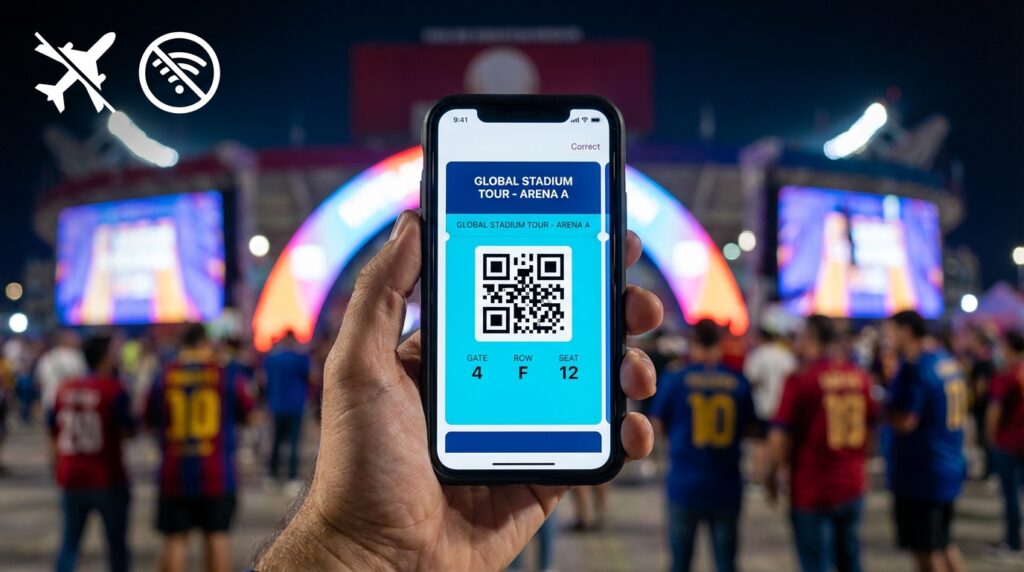
When you move a pass into Apple Wallet or Google Wallet, you are utilizing a powerful process known as local caching. Instead of forcing your phone to reach out to a distant server through the internet to display your barcode, the native wallet actually downloads the encrypted ticket data directly onto your phone’s physical hard drive. It essentially carves the dynamic QR code right into your device memory. This means the ticket will display beautifully and scan perfectly even when you have zero internet connection and zero cell service.
Securing the Dynamic QR Code
The absolute beauty of this system is how it maintains the strict security protocols required by FIFA while granting you total offline freedom. The dynamic QR code continues to function securely within the native wallet environment. The gate scanners at major North American stadiums are fully programmed to read and accept these specific wallet passes seamlessly. This exact setup has been rigorously tested and confirmed to work incredibly reliably at massive mobile-only events across the continent.
How to Set Up Apple Wallet for World Cup Matches
If you are a dedicated iPhone user, securing your game day entry is a wonderfully smooth process. However, you must execute this strategy well before the chaos of match day begins.
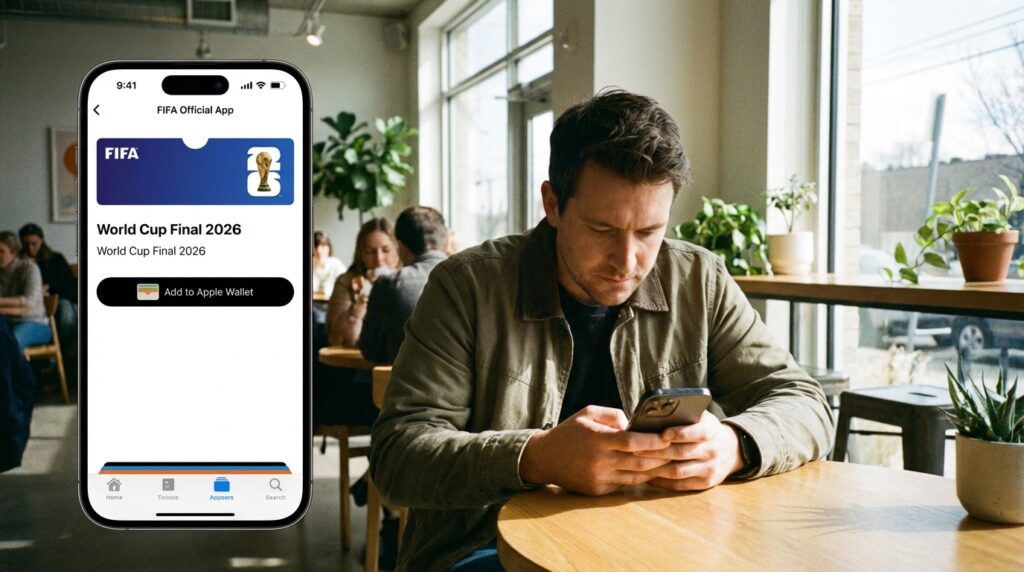
Do not wait until you are riding in a crowded stadium shuttle to attempt this transfer. For the absolute best results, you must perform these steps while connected to a highly robust, secure Wi-Fi network at your home or hotel. Aim to do this at least forty-eight hours before your very first match kicks off. Open the official FIFA application, log in with your verified account credentials, and navigate to your active ticket inventory.
Executing the Pre-Game Download
Once you locate your specific match tickets on the screen, tap on the individual pass. Right below the barcode, you will prominently see a button labeled “Add to Apple Wallet”.
Simply tap that button. Your iPhone will instantly generate a preview of the digital pass. Confirm the addition, and the ticket will securely lock itself inside your Apple Wallet app. Repeat this exact process for every single ticket you own if you are holding passes for multiple matches. Once the tickets are successfully transferred, they are completely immune to network failures.
How to Set Up Google Wallet for Android Users
If you operate within the Android ecosystem, your path to offline security is just as straightforward. The Google Wallet infrastructure is incredibly robust and perfectly capable of handling the high-security demands of dynamic ticketing.
Just like Apple users, you must begin this process while anchored to a strong Wi-Fi connection days before the actual event. Fire up your official FIFA ticketing application and pull up your match inventory. Click into your specific ticket to reveal the details.
Testing Your Ticket Before You Travel
You will easily spot the designated “Add to Google Wallet” button resting on the ticket interface. Tap the button and follow the quick on-screen prompts to save the pass directly to your Android device.
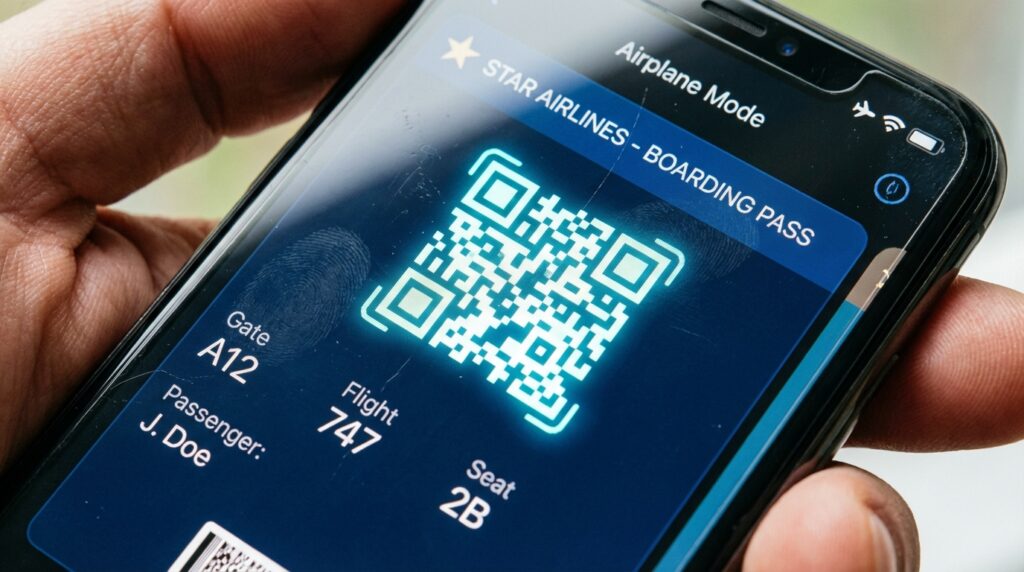
Here is a crucial step that many fans completely overlook. Once you have pushed the ticket into Google Wallet, force-close the official FIFA app completely. Turn off your Wi-Fi and switch your phone into airplane mode to simulate a total network blackout. Now, open your Google Wallet. If you can see the vibrant World Cup ticket sitting there with a bright, clear QR code, you have successfully fortified your entry strategy. You are now officially ready to conquer the stadium gates.
Executing a Flawless Entry at the Gate Scanner
The day has finally arrived. You navigated the intense crowds outside the stadium, and you are standing mere feet away from the electronic turnstiles. You do not need to panic about cellular signals or spinning loading wheels.
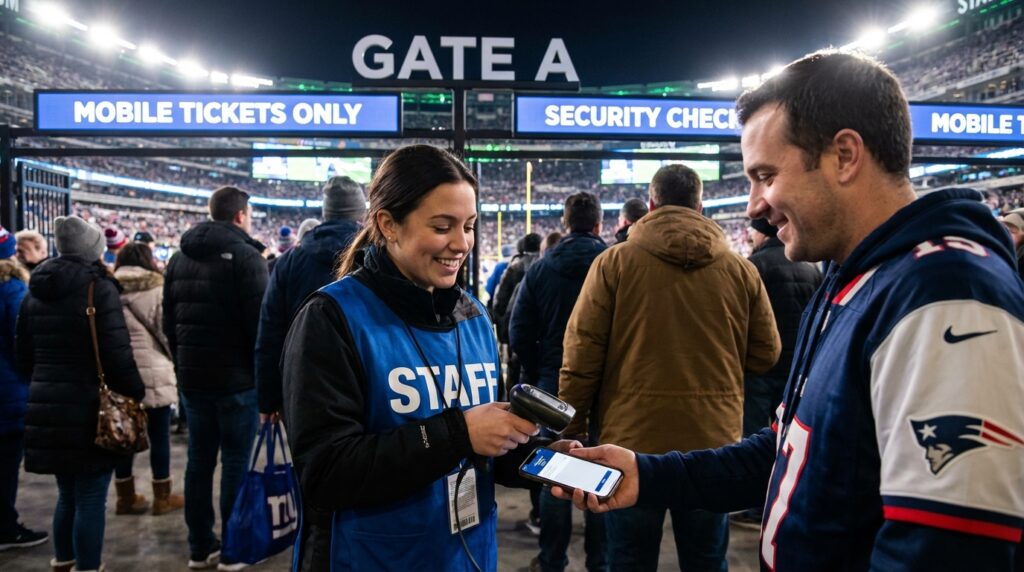
Simply open your Apple Wallet or Google Wallet application. Tap directly on your World Cup match ticket. One of the greatest hidden features of these native wallets is their brilliant auto-brightness capability. The moment you open the ticket, your smartphone screen will automatically jump to maximum brightness. This incredibly helpful feature ensures that the laser scanners can read your barcode instantly without struggling against screen glare or low lighting conditions.
Presenting the Pass to the Attendants
When you step up to the scanner, you have two simple options depending on the specific stadium hardware. You can either hold your brightly lit screen directly under the optical reader, or you can utilize the near-field communication technology by simply holding the top of your phone against the scanner pad. The machine will beep happily, the light will turn green, and you will walk right into the stadium to enjoy the absolute greatest sporting event on earth.
Crucial Power Management Strategies
You securely downloaded your tickets. You mastered the offline wallet system. You are practically invincible. But there is one final, devastating vulnerability that can completely ruin your flawless digital strategy. Your ticket is completely worthless if your smartphone battery dies.
Battery management is the absolute most critical skill for a modern sports traveler. When you are taking hundreds of photos, recording videos of the roaring crowd, and navigating unfamiliar streets, your phone consumes power at an incredibly rapid pace. You must treat your battery percentage like precious oxygen.
Mastering Airplane Mode and Bluetooth Settings
You absolutely must charge your smartphone to a perfect one hundred percent the night before the match. Furthermore, you cannot attend a massive global tournament without packing a high-quality portable power bank in your clear stadium bag.
When you arrive at the chaotic stadium perimeter and realize the cellular network has collapsed, you need to stop your phone from fighting a losing battle. Immediately enable your device’s low-power mode to stop background applications from secretly draining your battery. Next, flip your phone directly into airplane mode. When a phone struggles to find a weak signal, it boosts its antenna power dramatically, killing your battery fast. Airplane mode stops this instantly. Just remember to manually turn your Bluetooth connection back on while remaining in airplane mode, as some advanced wallet scanning systems require a brief Bluetooth handshake to validate the pass.
Related Post: Avoiding Fake Ticket Scams Outside American Stadiums
Surviving the Massive Post-Match Blackout
You scanned your offline ticket perfectly, you watched an unforgettable football match, and you celebrated an incredible victory. The final whistle blows, and seventy thousand ecstatic fans begin pouring out of the exits simultaneously.
If you thought the network congestion was bad before the game, the post-match cellular crash is absolutely legendary. Everyone is trying to call their rideshares, text their friends, and look up walking directions all at the exact same moment. The digital blackout is total and complete. You are exhausted, you are standing in a massive crowd, and you need to figure out how to get back to your hotel room.
Escaping the Crowds With the Stadium Route App
This terrifying, highly predictable gridlock is exactly why smart travelers pre-download the offline Stadium Route app alongside their digital wallet passes long before they ever pack their bags.
Think of the Stadium Route app as your indestructible digital compass. Because this brilliant application securely caches all of its vital transit maps, specific gate locations, and safe neighborhood walking routes directly onto your device’s physical memory, it functions completely flawlessly without requiring a single bar of cellular service.
Even when the massive networks completely collapse under the weight of the exiting crowds, your Stadium Route app will instantly map your exact geographic location. It clearly highlights the nearest Guest Services kiosk if you need immediate assistance. Most importantly, it maps out the safest, highly efficient walking routes away from the chaotic stadium footprint, leading you directly to designated rideshare pickup zones or public transit hubs. When everyone else is staring at frozen mapping apps in pure panic, you will confidently navigate the night like a seasoned professional.
Ending Lines
Setting up Apple Wallet and Google Wallet for offline stadium entry is not just a helpful tip; it is an absolute mandatory requirement for surviving the massive scale of the 2026 FIFA World Cup. Do not let a predictable cellular network crash ruin your highly anticipated trip to monumental venues like SoFi Stadium or BMO Field. Remember that the old rules of printed paper and static screenshots are completely dead, replaced by the strict security of dynamic QR codes. Take absolute control of your digital logistics by transferring your tickets into your native offline wallets on strong Wi-Fi at least forty-eight hours before kickoff. Fiercely protect your smartphone battery life by utilizing airplane mode hacks and carrying a reliable power bank. Most importantly, anticipate the massive post-match digital blackout. Arm your device with the offline navigation power of the Stadium Route app to effortlessly escape the dense crowds and map your safe walking paths in any environment. Master your digital tools, secure your offline passes, and get ready to witness football history without a single moment of technological stress.