 USA
USA Mexico
 Canada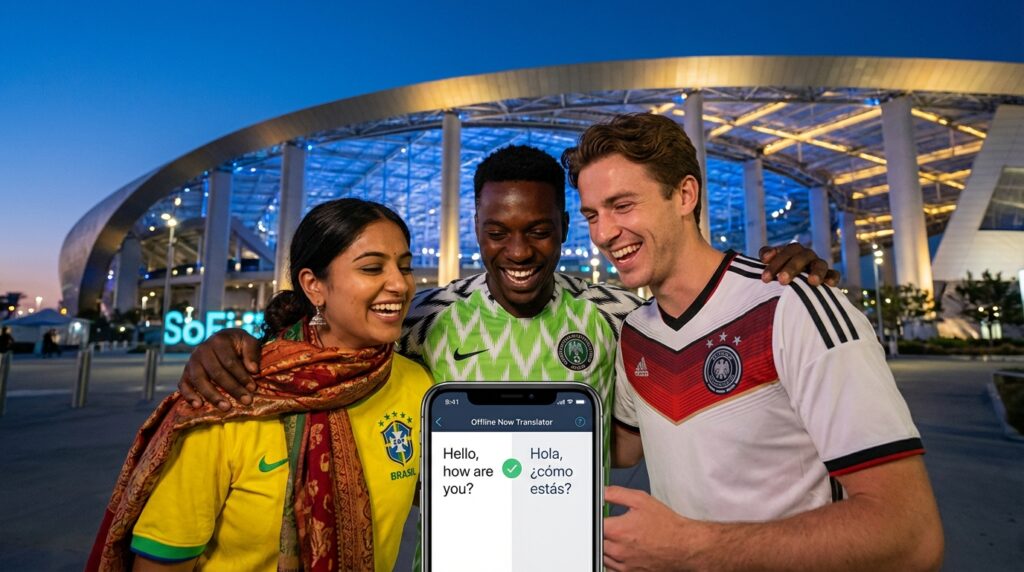
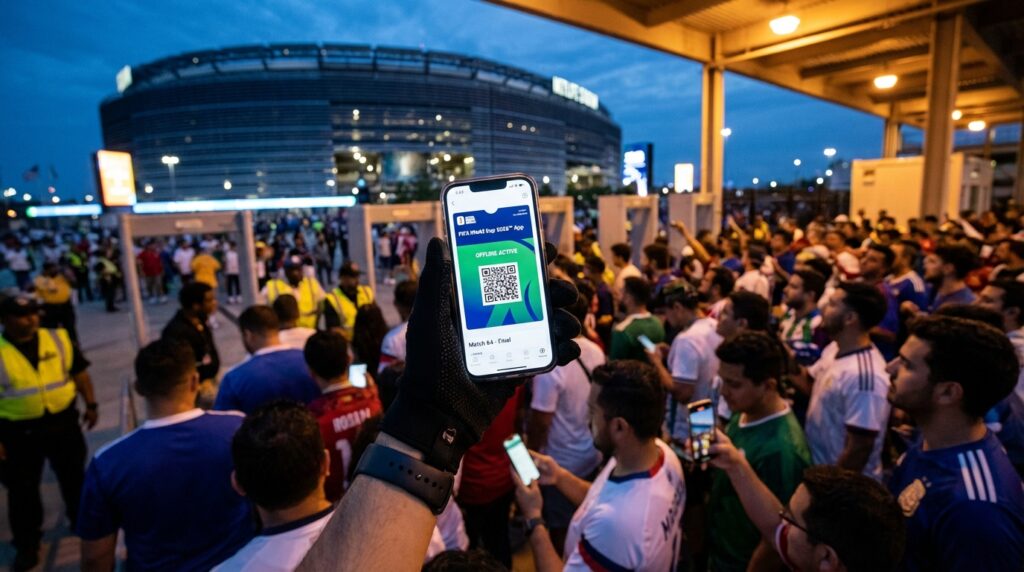
Have you ever stepped off a plane into a vibrant, bustling new country, feeling that electric rush of excitement, only to realize you cannot read a single sign pointing you toward the exit? Now, multiply that overwhelming feeling by seventy thousand cheering football fans. Imagine standing right outside a colossal stadium, the opening whistle is just minutes away, and your smartphone screen is completely frozen because the local cellular network just violently collapsed.
If you are gearing up for the monumental 2026 FIFA World Cup, you are preparing to navigate a massive, continent-spanning logistical puzzle. Fans will be flying into the historic streets of Mexico City, navigating the vibrant avenues of Guadalajara and Monterrey, or heading far north to Toronto, Vancouver, and countless sprawling United States host cities. Communication is your ultimate travel weapon. You still need to read confusing stadium signs, order incredible local street food, ask friendly locals for walking directions, and chat with other passionate fans. You absolutely must arm your smartphone with the best offline translation apps before your plane ever leaves the tarmac. Let us dive into the ultimate digital survival guide for bridging the language gap when the internet completely disappears.
Why You Need Offline Translation for the World Cup
Relying on live internet data during a mega sporting event is exactly like bringing a paper umbrella to a Category 5 hurricane. It might look nice in theory, but it will absolutely fail you when you need it the most. You must prepare for the digital blackout.
The Danger of Dead Cell Zones
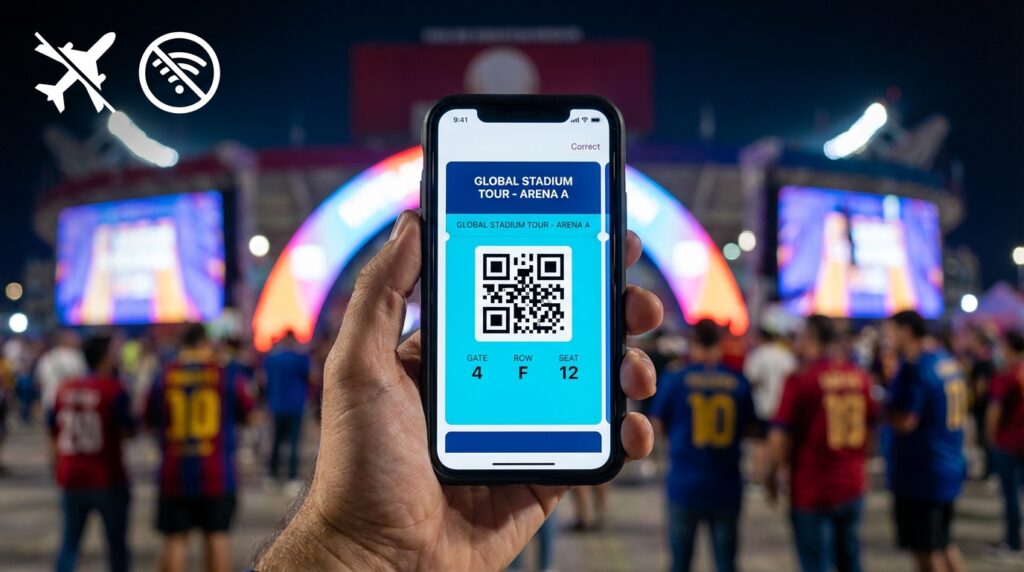
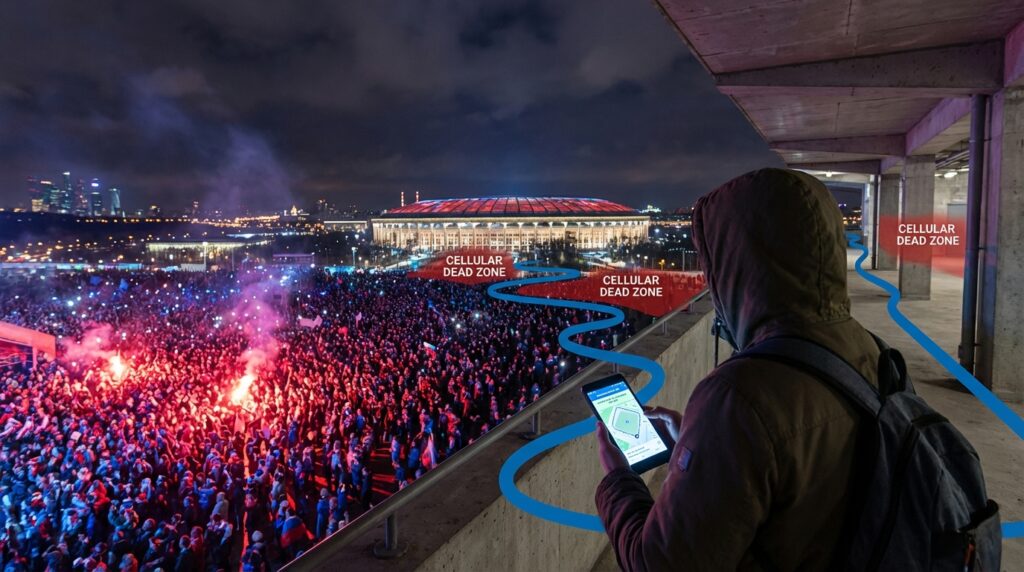
When seventy thousand highly energized fans pack into a concrete bowl and attempt to upload videos, send text messages, and hail rideshares simultaneously, the local cell towers simply crash. The infrastructure cannot handle the massive data tsunami. You instantly lose your live digital maps, your messaging applications, and your cloud-based translation tools.
If you are standing at a busy street food cart in Monterrey trying to ask the vendor about the spice levels in their salsa, you cannot politely ask them to wait five minutes while your webpage slowly tries to load. Offline applications act as your indestructible digital bridge. Because the language data lives right on your phone’s physical hard drive, you bypass the data traffic jam entirely. You become completely self-sufficient, completely avoiding exorbitant international roaming charges while guaranteeing you can always communicate.
The Undisputed King Google Translate
If you only have enough storage space on your smartphone to download one single language application for your massive World Cup trip, you must make it Google Translate. It is the absolute undisputed heavyweight champion of the international travel world.
Downloading Language Packs Early
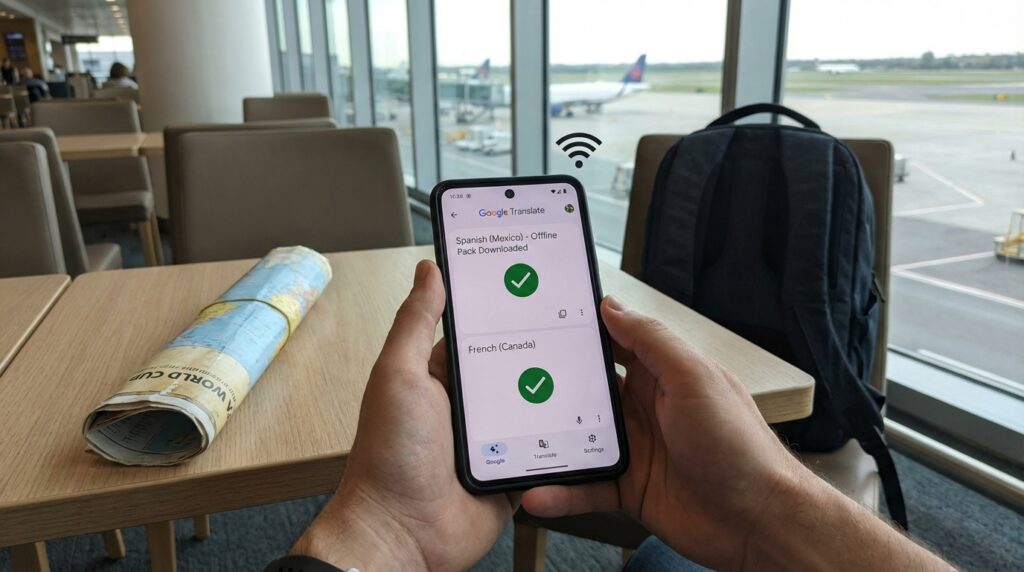
The true power of this application relies entirely on your preparation. Do not wait until you are sitting at the airport gate or trying to connect to a spotty hotel network. While you are sitting comfortably at home on a strong, reliable Wi-Fi connection, you must download the full offline language packs.
For this specific North American tournament, you absolutely need to grab the Spanish pack for Mexico and the French pack for Canada. Once these massive data files are cached safely on your device, Google Translate transforms into a completely offline powerhouse. It delivers insanely accurate text translation and highly fluid voice conversation modes with zero internet required. You speak into your phone in English, and it instantly speaks back to the local vendor in perfect Spanish.
Camera Translation is a Lifesaver
While the voice features are incredible, the absolute best feature of Google Translate is the live camera translation tool. This feature feels like pure science fiction.
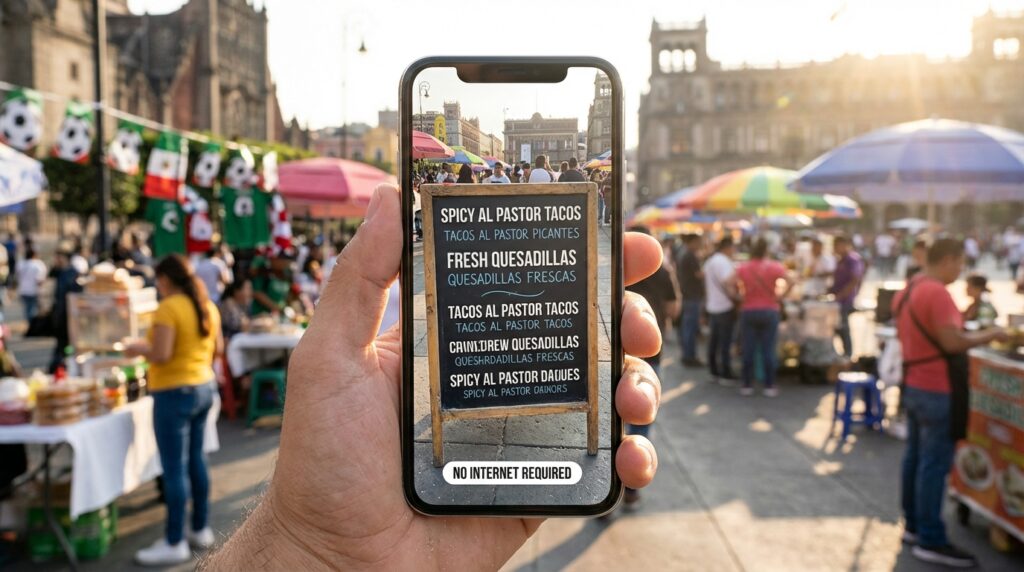
Simply open the application, tap the camera icon, and point your smartphone at a Spanish stadium security sign, a complicated French Canadian menu, or a confusing transit ticket. Watch your screen closely. The application uses augmented reality to instantly morph the foreign text into bold, clear English right before your eyes. You do not need to snap a photo or wait for a server to process the image. It translates the real world in real time, requiring absolutely no data to work. It is the ultimate tool for navigating foreign menus and strict stadium entry rules.
Microsoft Translator for Group Chats
Perhaps you need a highly robust backup plan, or maybe you are traveling with a massive, diverse crew of international football fans. If so, Microsoft Translator is an absolute powerhouse that deserves a prime spot on your digital dashboard.
Real-Time Conversations Offline
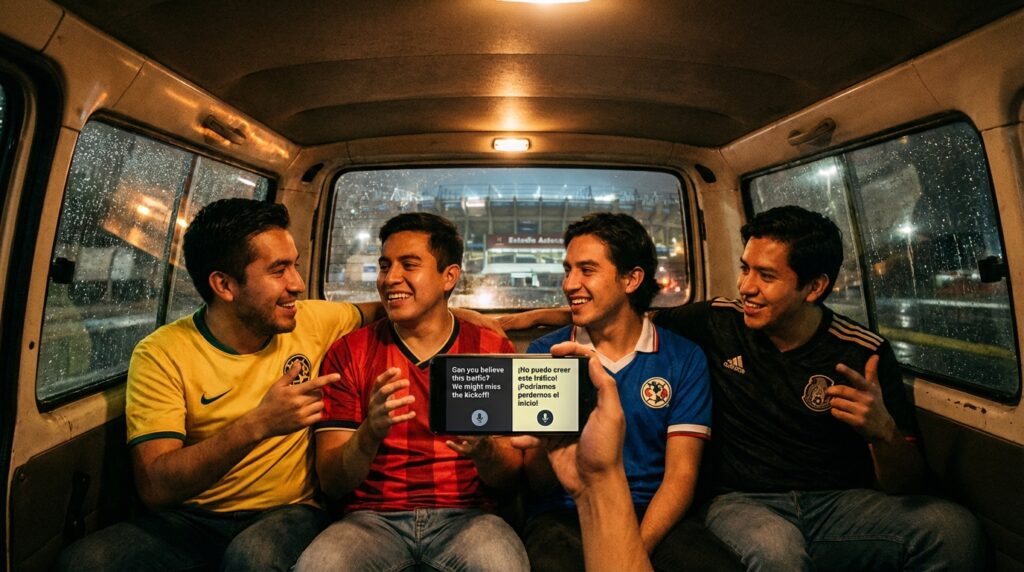
Where Microsoft Translator truly shines is its brilliant handling of real-time group conversations. Imagine this highly likely game day scenario. You are splitting a large taxi or a rideshare van heading toward the stadium. Inside the vehicle, you have fans from Brazil, fans from the United States, and a local driver who only speaks Spanish.
Microsoft Translator handles this chaotic, multi-lingual chatter beautifully through its split-screen conversation mode. Two people can look at the same phone from opposite ends, speaking in their native tongues, while the screen instantly displays the translated text facing the other person. Just like Google, Microsoft supports full, robust offline language packs. By downloading them early, you guarantee you have a reliable digital interpreter in your pocket for any pre-game tailgate or complicated taxi negotiation.
Apple Translate for iOS Users
If you carry an iPhone in your pocket, you already possess a massive digital advantage sitting right there on your home screen. You do not even need to browse the app store. Apple Translate is built directly into the iOS ecosystem and offers incredible offline processing power.
Built-In Power and Privacy
Apple focuses heavily on on-device processing. What does that mean for you? It means your voice translations happen directly on your physical phone hardware rather than being beamed up to a cloud server. This guarantees total privacy and lightning-fast translation speeds, even in the middle of a massive stadium crowd.
To unleash this power, you simply navigate into your phone settings, find the Translate menu, and download the required languages for offline mode. You get excellent, highly natural voice output without spending a single dime on international roaming charges. The interface is incredibly clean, fast, and seamlessly integrated into the phone you already know how to use.
How to Prep Your Devices Before Departure
A professional craftsman never shows up to a job site with dull tools. Your digital toolkit is only useful if it is sharpened and prepped before you fly. You must test your strategy before you land in a foreign country.
Avoid Apps Requiring Constant Data
You must stay completely away from any flashy translation application that constantly prompts you to upgrade to a premium online tier, or any app that flatly refuses to function without a server connection. The three massive applications mentioned above cover ninety-nine percent of real-world travel needs across North America.
Do a dry run in your living room. Turn off your home Wi-Fi and put your phone directly into airplane mode. Open your downloaded apps, speak a phrase into the microphone, and make sure the translation pops up instantly. Point your camera at a foreign language book or a website on your laptop to ensure the augmented reality text replacement works flawlessly. If everything functions smoothly while disconnected from the world, your digital armor is fully equipped.
Related Post: Setting Up Apple Wallet and Google Pay for Offline Stadium Entry
Combining Translation with the Stadium Route App
You have your language barriers completely conquered. You can perfectly translate the complicated Spanish security signs outside Estadio Azteca, and you can easily order a massive plate of authentic poutine in Toronto. But you still have one major problem. You need to know exactly where you are walking when the crowds swell to maximum capacity.
This is exactly where your ultimate game day survival strategy comes together perfectly. You must pair your brilliant offline translation apps directly with the offline Stadium Route app.
When the cellular network violently crashes after the final whistle, the Stadium Route app steps in to instantly map your safe walking routes, highlight the closest stadium entrances, and pinpoint nearby concession stands. Because Stadium Route also operates completely offline, you never have to worry about a frozen map. You use the Stadium Route app to navigate the chaotic concrete maze and find your exact gate. Then, you seamlessly switch over to Google Translate to read the specific security rules posted on the fence by that gate. It is the perfect, impenetrable offline survival combination that guarantees you look like an absolute travel professional while everyone else is panicking.
Ending Lines
Traveling for the epic 2026 FIFA World Cup should be the thrilling adventure of a lifetime, not a highly stressful battle against frustrating language barriers and dead cellular zones. By proactively arming your smartphone with the absolute best offline translation apps like Google Translate, Microsoft Translator, and Apple Translate, you instantly unlock the vibrant local culture without paying massive, unexpected roaming fees. Always remember the golden rule of digital travel and download those crucial Spanish and French offline language packs on a strong Wi-Fi connection long before you ever board your flight. Test your live camera translation features at home, strictly avoid data-hungry premium apps, and always pair your powerful language tools with the indestructible offline navigation power of the Stadium Route app. Prepare your digital toolkit thoroughly, embrace the incredible local atmosphere, and get ready to enjoy the beautiful game completely safely and confidently!