 USA
USA Mexico
 Canada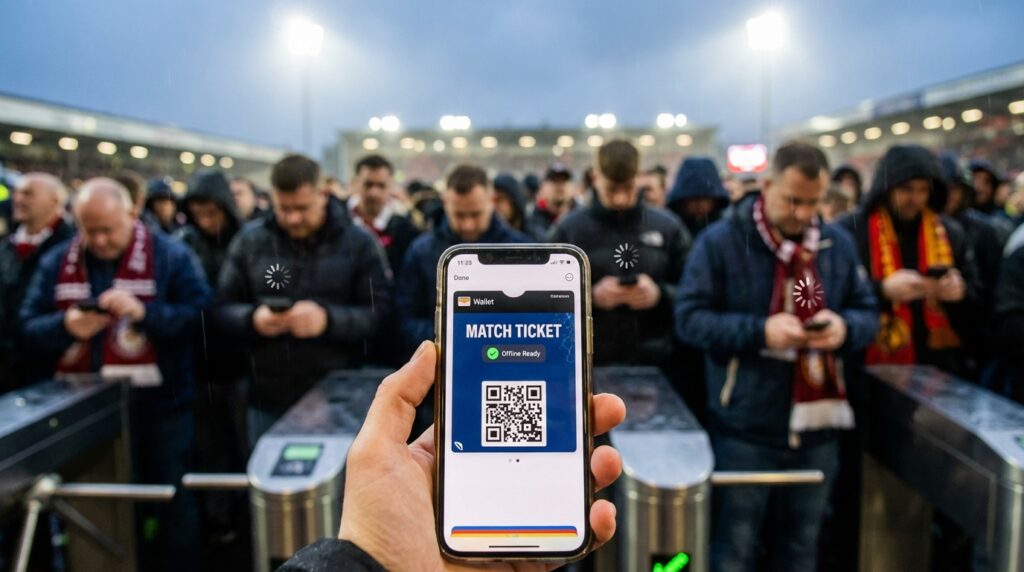
Have you ever stood in a massive, chaotic line outside a colossal sports venue, staring down at a spinning loading wheel on your smartphone screen? We all know that terrifying, stomach-dropping feeling. You can hear the crowd roaring inside, you can smell the fresh stadium food, and you are literally steps away from witnessing football history. But your phone refuses to load your digital ticket. The cellular network is completely jammed, your internet connection is dead, and panic starts to set in.
When you are preparing for the monumental 2026 FIFA World Cup, this exact scenario is the absolute biggest threat to your vacation. We are diving into a completely new era of live sports, and the old rules do not apply anymore. You cannot just print a piece of paper and shove it in your back pocket. You need a bulletproof digital strategy. Let us explore exactly how you can keep your digital match tickets completely safe and fully accessible without relying on a single bar of internet service.
The Mobile-Only Reality of the 2026 World Cup
Welcome to the future of global sports. The FIFA World Cup 2026 operates as a fully mobile-only tournament. What does that actually mean for you as a traveling fan? It means physical paper tickets are officially relics of the past, completely extinct like the dinosaurs.
Your entrance to the biggest sporting event on the planet lives exclusively inside the official FIFA World Cup 2026 App. Depending on specific purchasing phases, you might also be using the separate FWC26 Play-Off Mobile Tickets app. Either way, the message remains the same. You absolutely must have the official application downloaded onto your physical device. Think of this app as your personal, digital vault. It holds the golden keys to the stadium, and you are the sole person responsible for making sure that the vault opens when you reach the security gates.
Why Screenshots Will Instantly Get You Rejected
You might be thinking you can outsmart the system. Open the app in your hotel room, take a quick screenshot of the barcode, and show that photo to the security guard. Do not even think about trying this.
The stadium gates utilize highly advanced scanners that explicitly reject screenshots, saved photos, PDF documents, and printed emails. The digital tickets feature a unique dynamic barcode. If you walk up to the turnstile with a photo of your ticket, the security staff will turn you away immediately, sending you straight to the back of a massive troubleshooting line while your friends walk inside to watch the kickoff.
How to Master the Official FIFA World Cup App
Beating the system requires smart preparation long before you ever leave your home country. You want to control the technology rather than letting the technology control you. The official FIFA ticket app actually features built-in tools designed to help you survive offline, provided you use them correctly.
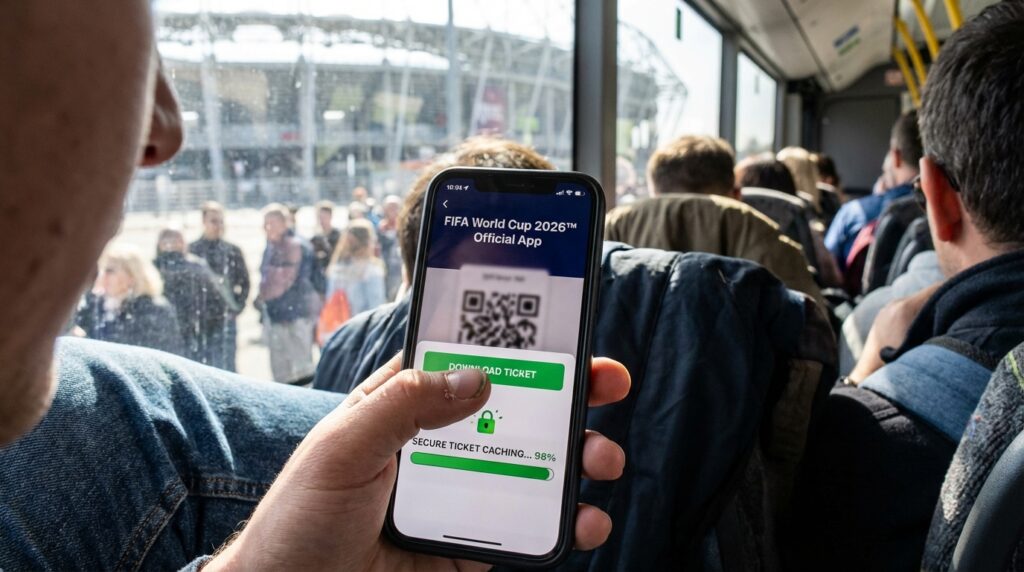
The app allows you to download your tickets directly to your phone’s internal storage well in advance of match day. By doing this, the app actively caches the secure, dynamic QR code onto your local hardware. This brilliant feature ensures that the ticket displays brilliantly and scans perfectly even when the local cell service violently collapses under the massive weight of seventy thousand exiting fans.
Downloading Your Tickets Before You Travel
When should you execute this crucial download process? Do not wait until you are sitting on the airplane or riding in a crowded rideshare toward the stadium.
The absolute safest method is to open the official app while you are connected to a strong, highly reliable Wi-Fi network. Do this at your house, or at the very latest, inside your hotel room the night before the match. Log securely into your FIFA account, locate your match inventory, and manually tap the download button for every single ticket you own. Verify that the tickets are fully visible on your screen without any loading delays. By executing this step early, you completely remove the unpredictable variable of stadium internet from your travel equation.
The Ultimate Safeguard: Apple Wallet and Google Wallet
While the official FIFA app is fantastic, technology can sometimes be incredibly unpredictable. Apps can crash, software updates can cause weird glitches, and sometimes you just accidentally log yourself out in a moment of panic. You need an impenetrable backup plan.
The absolute best way to protect your match day experience is to leverage the native digital wallet built directly into your smartphone. Once you download your tickets inside the official app, you should immediately look for the option to save them to your Apple Wallet or Google Wallet.
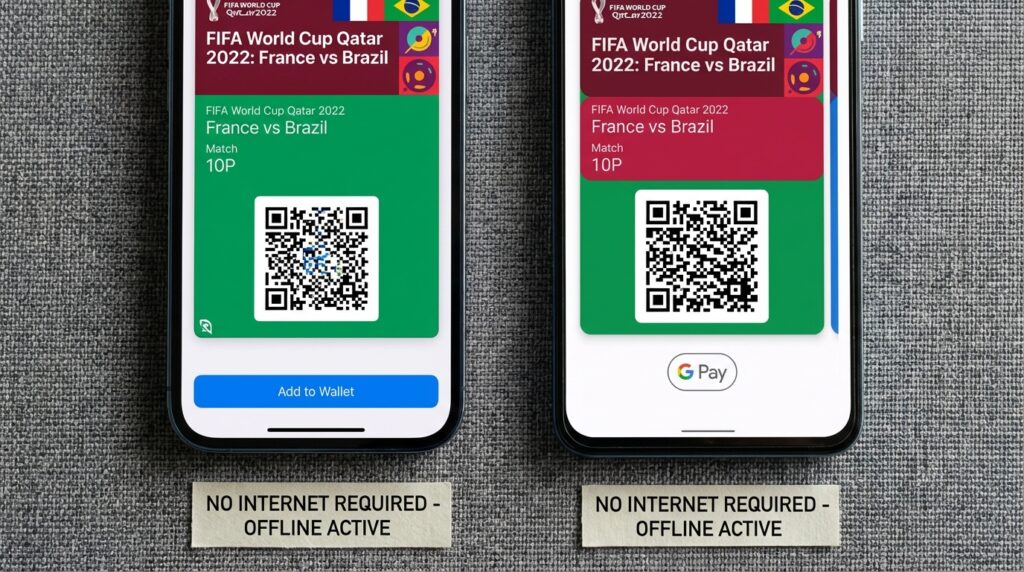
Making Your QR Codes One Hundred Percent Offline
Why is transferring your tickets to these native wallets such a massive game-changer? Because Apple Wallet and Google Wallet are specifically engineered to operate flawlessly without an internet connection.
When you push your ticket into one of these native environments, you are essentially carving the digital QR code into stone. It becomes one hundred percent offline. You do not have to worry about the FIFA app crashing, and you eliminate the risk of accidental deletion. Furthermore, these native wallets usually feature a brilliant technology that automatically brightens your smartphone screen to maximum capacity the moment you pull up the ticket. This ensures the stadium scanners can read the barcode instantly, speeding up the line and getting you into your seat significantly faster.
Battery Management Strategies for Game Day
You have your tickets securely downloaded and perfectly cached in your offline wallet. You are practically invincible, right? Wrong. Your digital ticket is completely worthless if your smartphone turns into an expensive, dead brick of glass and metal.
Battery anxiety is a very real, very terrifying aspect of modern digital travel. When you are navigating a new city, taking hundreds of photos of the stadium, and constantly checking your offline maps, your battery drains incredibly fast. Think of your battery percentage as your match day oxygen. If it hits zero, your vacation essentially suffocates.
Bringing the Right Power Bank
You absolutely cannot attend a World Cup match without a reliable portable power bank. Do not buy a cheap, generic charger from a random gas station on your way to the game. Invest in a high-quality, high-capacity power bank from a reputable brand before you travel.
Make sure your power bank holds enough juice to fully charge your smartphone at least two complete times. Charge both your phone and your power bank to a perfect one hundred percent the night before the match. Keep the power bank safely tucked away in your clear stadium bag, and never lend it to a stranger. That extra battery power is your ultimate insurance policy against a dead screen at the security gate.
Airplane Mode and Low Power Mode Hacks
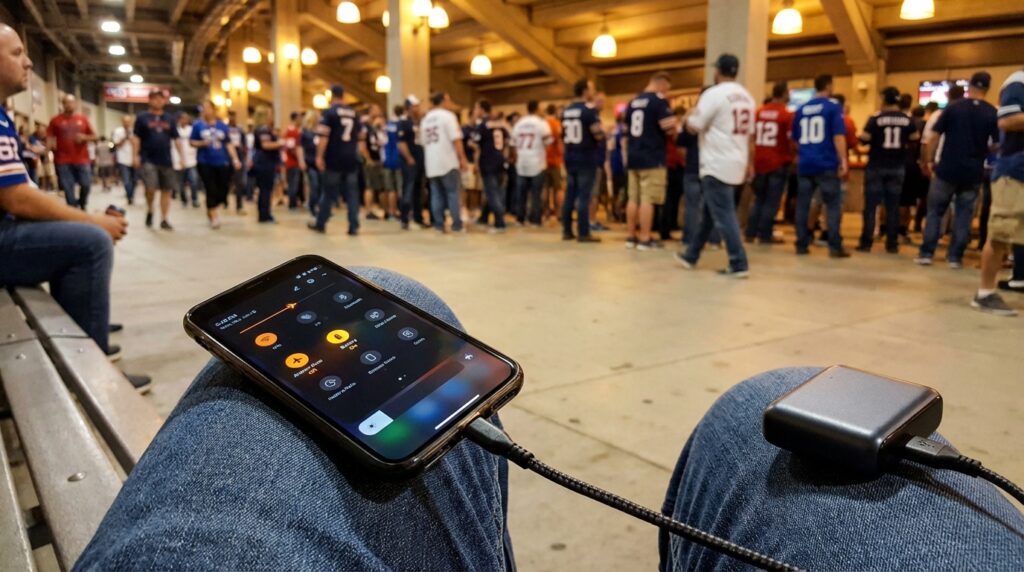
You need to manage how your phone consumes power throughout the day actively. The moment you leave your hotel, dive into your phone settings and activate low power mode. This brilliant feature restricts background app activity, preventing sneaky applications from secretly draining your battery while your phone sits in your pocket.
Here is an absolute pro-level travel hack for navigating the immediate stadium perimeter. Once you actually reach the stadium grounds and you no longer need live internet access to message your friends, switch your phone directly into airplane mode. Why? Because when your phone struggles to find a weak cellular signal in a crowded area, it aggressively boosts its internal antenna power, which drains your battery at a terrifying speed. By entering airplane mode, you tell your phone to stop searching for the impossible. Just make sure you manually turn your Bluetooth back on while in airplane mode, as some stadium entry scanners require a brief Bluetooth handshake to validate the wallet tickets successfully.
The Danger of Sharing Tickets Incorrectly
Are you traveling with a massive group of friends or family members? Managing multiple tickets for a large crew introduces an entirely new level of digital complexity.
You might be tempted to pull up all four tickets on your single phone and swipe through them at the gate. While this is sometimes permitted, it heavily slows down the entry line and creates a massive bottleneck. The far better strategy is to transfer the individual tickets to each specific person in your group.
Understanding Dynamic Barcodes
We already established that you can never share screenshots or forward tickets via simple messaging apps like WhatsApp or iMessage. Those static images will instantly fail.
If you need to distribute tickets to your friends, you absolutely must use the official transfer mechanism built directly into the FIFA app. This official system securely moves the dynamic barcode from your account to their account, generating a brand new, unique digital signature tied specifically to their physical device. Remind your friends to follow the same offline preparation steps you did. They need to accept the transfer on a strong Wi-Fi, download it to their local device, and push it directly into their own Apple Wallet or Google Wallet.
Surviving the Stadium Digital Blackout
You have executed the perfect digital ticket strategy. Your battery is fully charged, your QR codes are resting safely in your offline wallet, and your entire group is ready for the match. You confidently scan your tickets, walk through the turnstiles, and enjoy an unforgettable evening of world-class football.
But the final challenge happens after the game ends. You step out of the stadium and suddenly realize you need to figure out how to get back to your hotel.
Why Cell Service Always Collapses
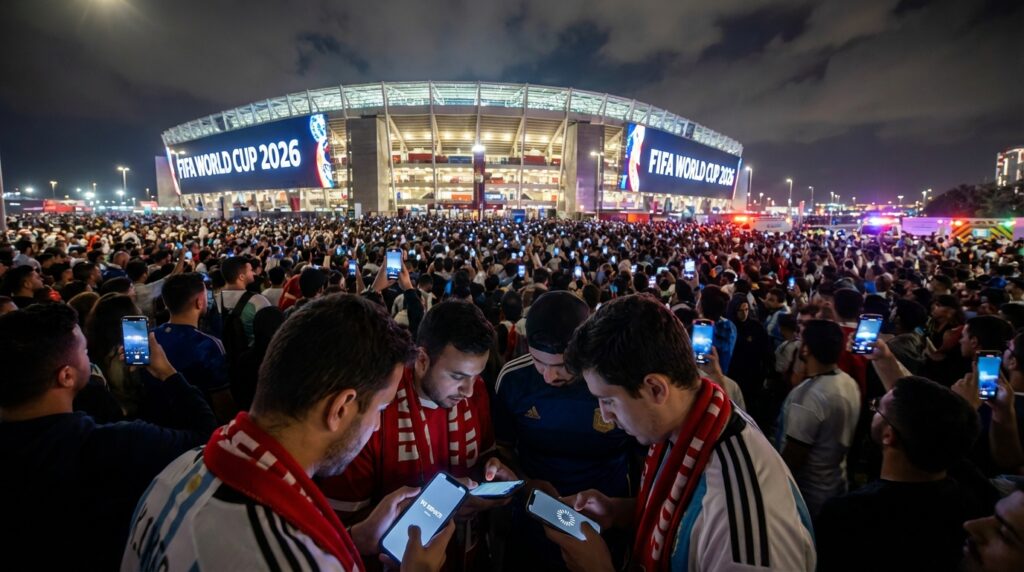
You pull out your phone to map a walking route or hail a rideshare, and you are immediately hit with a complete lack of service. When seventy thousand highly energetic fans all attempt to upload videos, send text messages, and request Ubers at the same geographic second, the local cell towers violently buckle under the pressure.
The digital infrastructure cannot handle that massive, instantaneous surge in data demand. It is exactly like trying to shove a massive river of water through a tiny garden hose. The network jams, your signal drops to zero, and you are left completely stranded in a massive, chaotic sea of people.
Navigating Offline With the Stadium Route App
This exact, highly predictable digital blackout is precisely why you must pre-download the offline Stadium Route app alongside your official FIFA ticket app before you ever travel.
The Stadium Route app is your ultimate, indestructible digital compass. Because this brilliant application caches all the vital local transit maps, safe neighborhood walking routes, and specific stadium gate locations directly onto your device’s hard drive, it functions flawlessly without requiring a single bar of cell service.
Even when the massive networks completely crash under the intense post-match crowds, the Stadium Route app instantly maps your exact location. You can clearly identify the nearest safe exit gate, find the absolute safest walking paths away from the gridlocked traffic, and navigate confidently toward your designated rideshare pickup zone or public transit station. You do not need to panic about a frozen screen or a lost connection because your navigation tools are entirely self-contained.
Related Post: The Most Reliable Weather Apps for Predicting Summer Storms in Florida
Ending Lines
Keeping your digital match tickets safe without internet access does not require a degree in computer science; it simply requires smart, proactive preparation. The 2026 World Cup operates in a completely mobile-only reality, meaning you must treat your smartphone like the ultimate VIP pass. Do not fall into the terrifying trap of relying on stadium Wi-Fi or weak cellular signals at the security gates. Protect your investment by downloading your tickets directly into the official app on a strong connection, and instantly push them into your Apple Wallet or Google Wallet for guaranteed offline access. Guard your battery life fiercely by carrying a dedicated power bank and utilizing smart airplane mode hacks when you enter the massive crowds. Transfer your group tickets properly through the official channels, and absolutely never rely on a simple screenshot.